Just thought I would post a very quick little point for those working with a local server on a Mac. It's pretty easy to set up the built in server on the Mac and do it that way, but personally I prefer just using a pre-packaged solution.
For years I've been using XAMPP. Not sure why I thought it was better. On Windows it's definitely a great choice. But on OS X it's not. The trouble is XAMPP has not been updated in quite a while on the Mac side. So, you'll be using pretty old versions of PHP and MYSQL. Also, there are lots of glitches with it. For instance, it doesn't correctly set folder and file permissions. You have to set these manually, which is pretty ridiculous.
Anyhow, I just recently switched to MAMP and it's much smoother. Everything is up to date, xdebug worked pretty much out of the box. No trouble with file permissions, and stuff is a lot more current. So, for now, avoid XAMPP on the Mac until they start supporting it properly. MAMP is good. XAMPP not so much.
Showing posts with label Debugging. Show all posts
10 August 2012
28 January 2012
Cross Platform PHP Development With Or Without An IDE
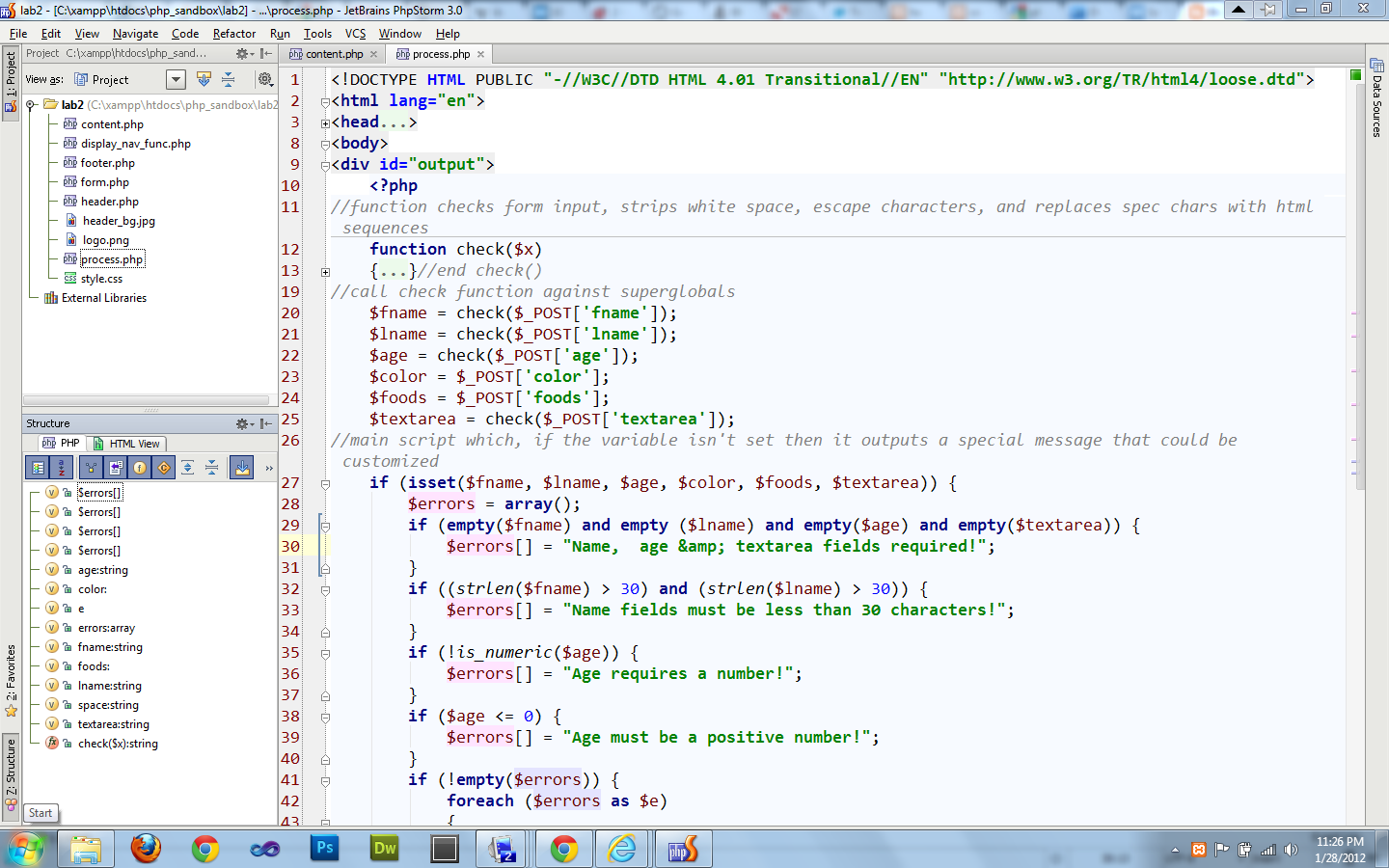
| PHPstorm 3.x |
I'm into PHP development and I've gotten to the point where I need a development tool that can handle proper PHP debugging. I've spent a couple of days reading things on the net and trying various solutions. So far I've checked out Netbeans 7.1, PHPstorm 3.0, Komodo Edit, and Eclipse PTD. I've played with some of these before, but never for a sustained time. All of these IDE's are butt ugly in my opinion. I guess I'm picky. I know, you can get used to ugly coding environments with time. I used to love Windows XP at one time, after all. I'm not going to go into too many details here, but I found that Netbeans 7.1 and Komodo were better than Eclipse. But I think of the IDE's out there for PHP it's hard to beat PHPstorm 3.x. It reminds me of visual studio in a lot of ways, except snappier.
Subscribe to:
Comments (Atom)