My tip is simple. Go to the hardware store and ask for the small felt pads that are used on the inside of cupboard doors. They are very tough, have great adhesion and they will allow you to put the iPad down on most surfaces without worrying about scratching your baby. The bonus is that you can still have a naked iPad. If you're like me, I just slide mine into a laptop compartment of my knapsack when I go out with it.
Showing posts with label Tips. Show all posts
24 March 2012
Cheapest, most minimal, and best iPad case
My tip is simple. Go to the hardware store and ask for the small felt pads that are used on the inside of cupboard doors. They are very tough, have great adhesion and they will allow you to put the iPad down on most surfaces without worrying about scratching your baby. The bonus is that you can still have a naked iPad. If you're like me, I just slide mine into a laptop compartment of my knapsack when I go out with it.
06 March 2012
Best Way To Implement Basic Version Control While Keeping Important Files In Sync Between Computers
![]() |
| Dropbox |
05 March 2012
How to Configure PHPStorm to Open Php Files in Your Browser in Localhost
How do you get PHPStorm to show your PHP files in your browser by clicking on the little browser icons in the right part of the window or right clicking and opening in your browser. PHPStorm doesn't just do this automatically. You have to configure it, and the configuration is entirely obvious. Here's what you have to do.
I'm assuming you have XAMPP or its equivalent installed and running on your machine. I'm also assuming you dumped your php files in the htdocs directory of XAMPP and that you can view your files in your browser just by typing the address using localhost/yourfile.php. And now you want to be able to open your files from within PHPStorm.
28 January 2012
Cross Platform PHP Development With Or Without An IDE
| PHPstorm 3.x |
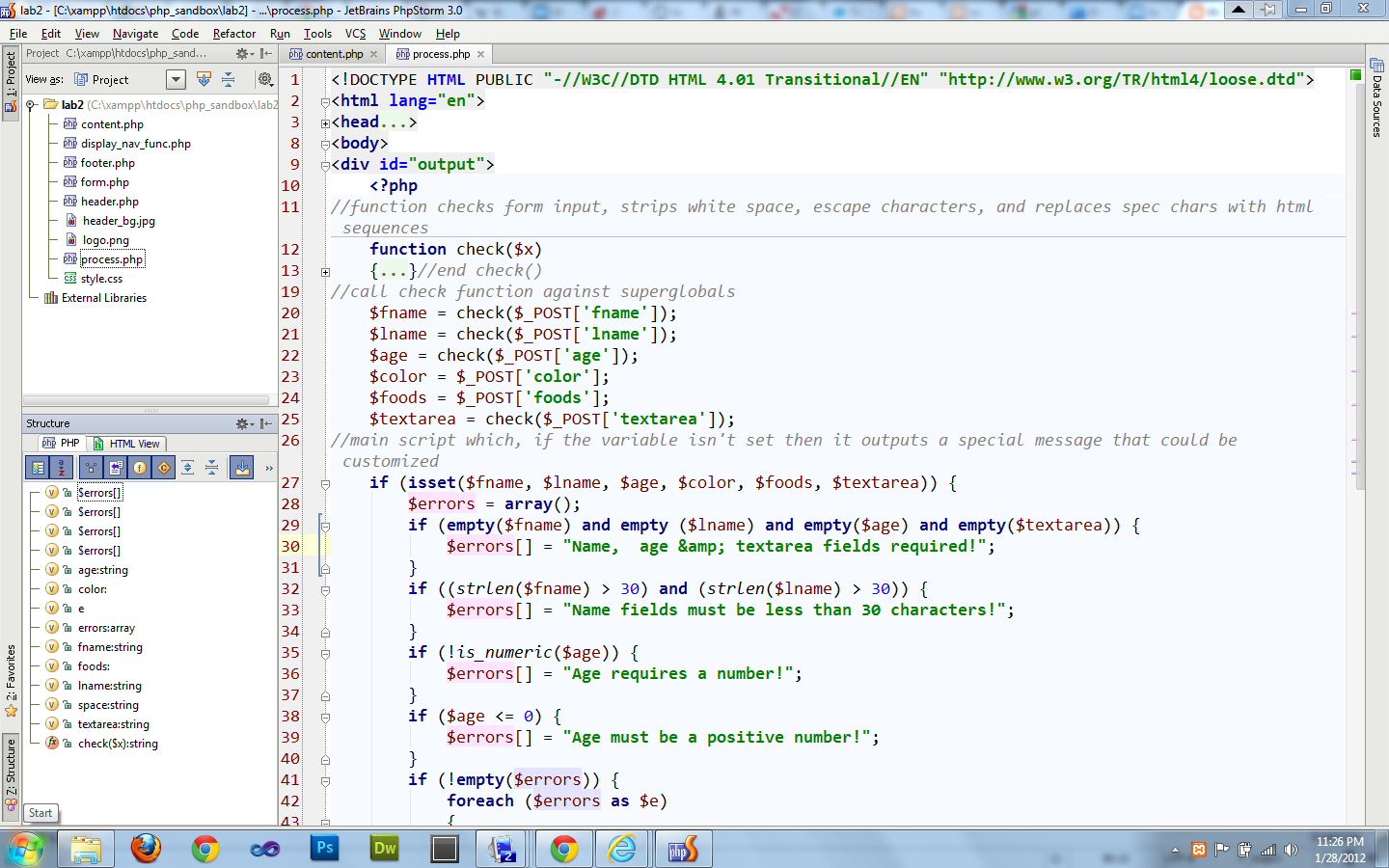
I'm into PHP development and I've gotten to the point where I need a development tool that can handle proper PHP debugging. I've spent a couple of days reading things on the net and trying various solutions. So far I've checked out Netbeans 7.1, PHPstorm 3.0, Komodo Edit, and Eclipse PTD. I've played with some of these before, but never for a sustained time. All of these IDE's are butt ugly in my opinion. I guess I'm picky. I know, you can get used to ugly coding environments with time. I used to love Windows XP at one time, after all. I'm not going to go into too many details here, but I found that Netbeans 7.1 and Komodo were better than Eclipse. But I think of the IDE's out there for PHP it's hard to beat PHPstorm 3.x. It reminds me of visual studio in a lot of ways, except snappier.
27 September 2011
Mac OS X's Finder: The Most Important Tweak to Make Search Function
Apple has made some decisions with Finder that some users might find a bit annoying. So, for instance, if you just open Finder and you hit command + F you get this window by default:

This is a completely useless result. On my Mac the search in fact chokes because so many results are found. This is almost always not what you want in a search result. So, you have to follow these steps to solve the issue and bring some sanity to Finder.
First, you need to change "search the current folder" setting in the Finder advanced preferences.
Labels:
Apple,
Best Tweaks,
Finder,
Mac,
OSX,
Snow Leopard,
Tips,
Tweaks
Subscribe to:
Posts (Atom)